Use food before it expires
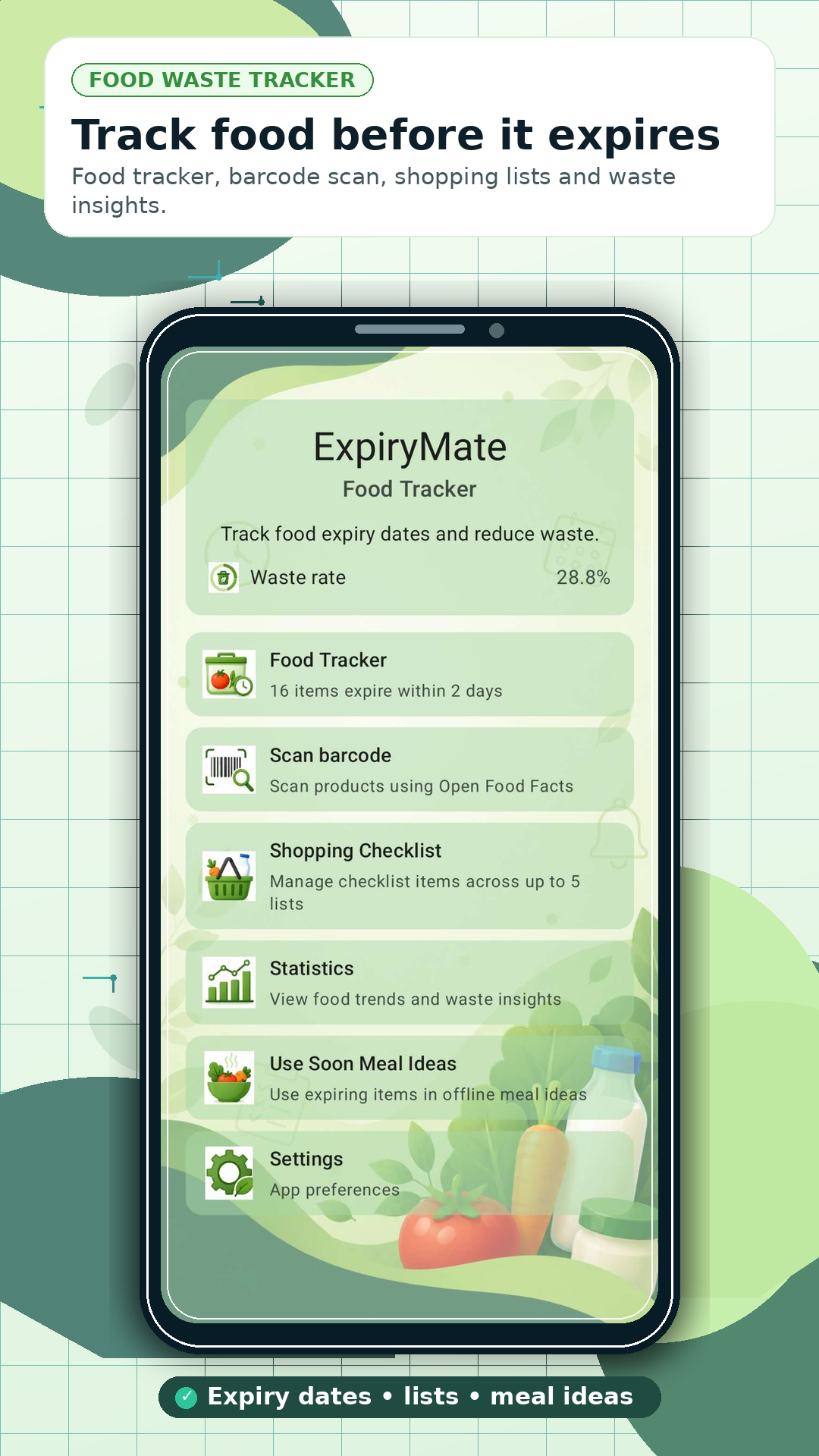
See what is fresh, what should be used soon and what has already expired.

 ExpiryMate
Food expiry tracker for Android
Track food across your fridge, freezer and pantry, move purchased groceries into Food Tracker, and discover what your household wastes most.
Launch offer
Explore the available ExpiryMate Pro features with the launch promotion.
Google Play terms and eligibility conditions apply. Availability can depend on your Google Play account or region. Redemption and subscription activation are processed by Google Play.
12-second app tour
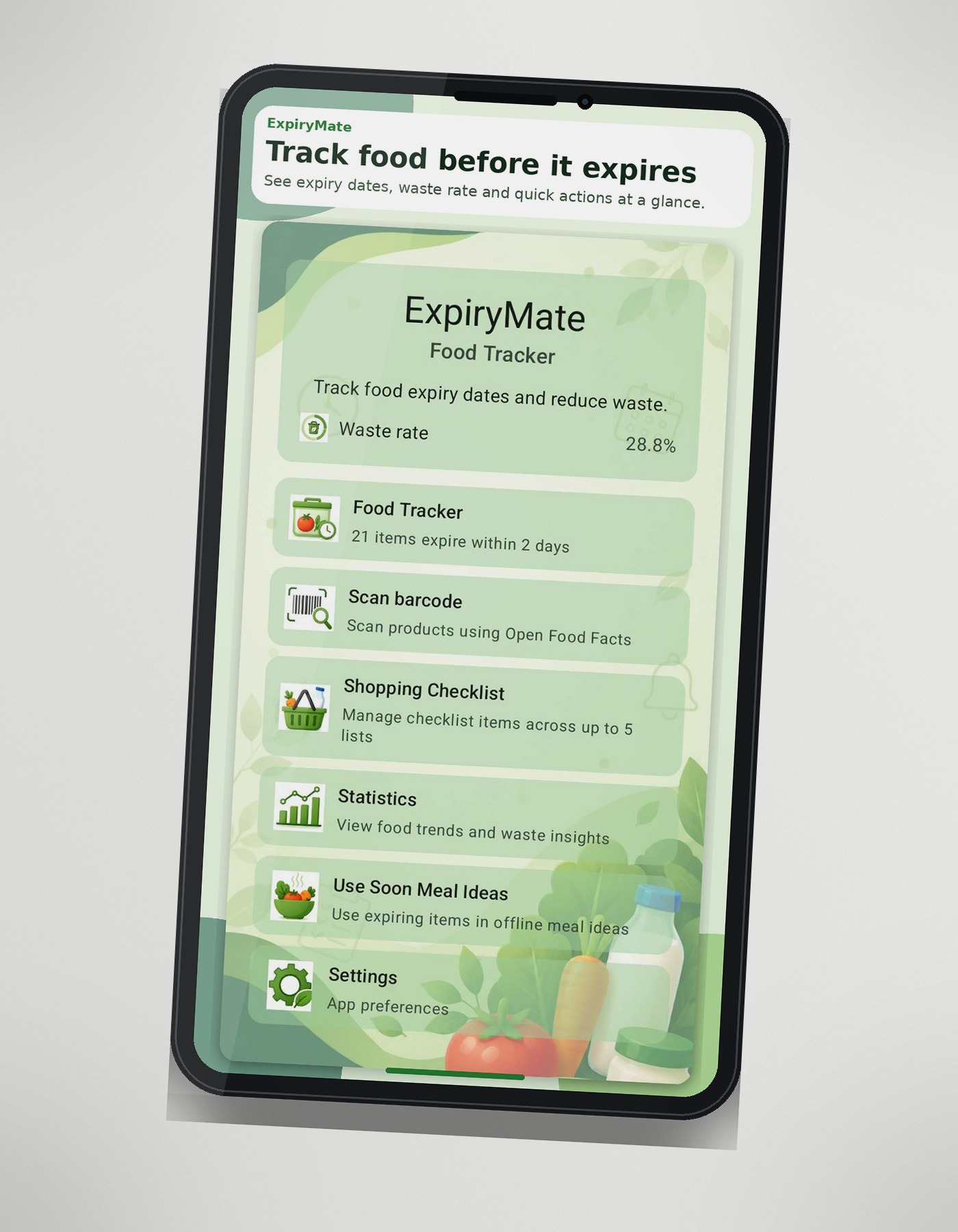
Take a quick look through the current ExpiryMate screens and see how food tracking, shopping, meal ideas and waste insights come together.
Genuine footage from the current ExpiryMate Android app.
More than a pantry list
See what is fresh, what should be used soon and what has already expired.
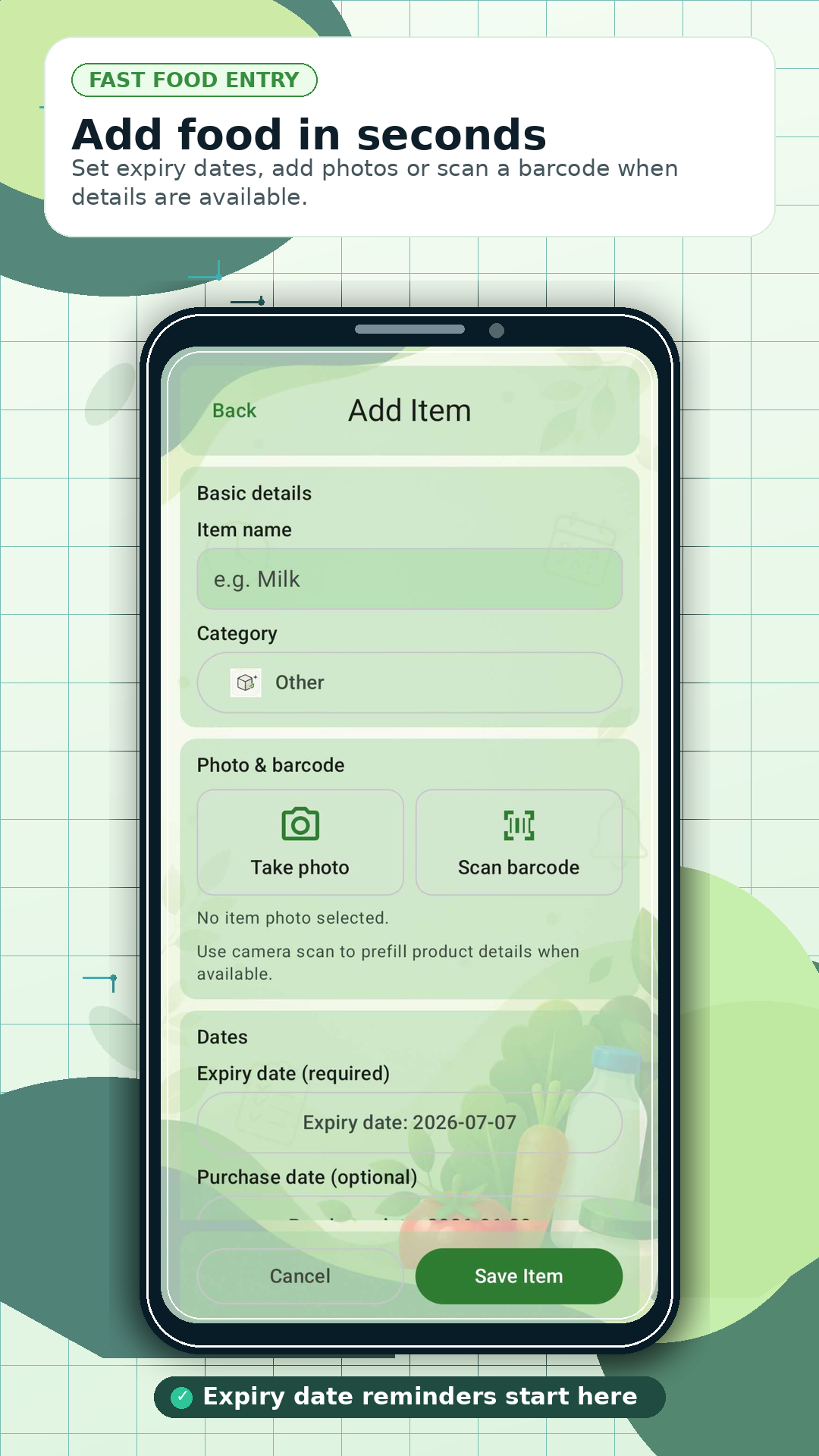
Finish a shopping trip, review what you bought and add selected products with their expiry dates and storage locations.
Record outcomes and see waste rates, trends and commonly wasted products and categories.
How ExpiryMate works
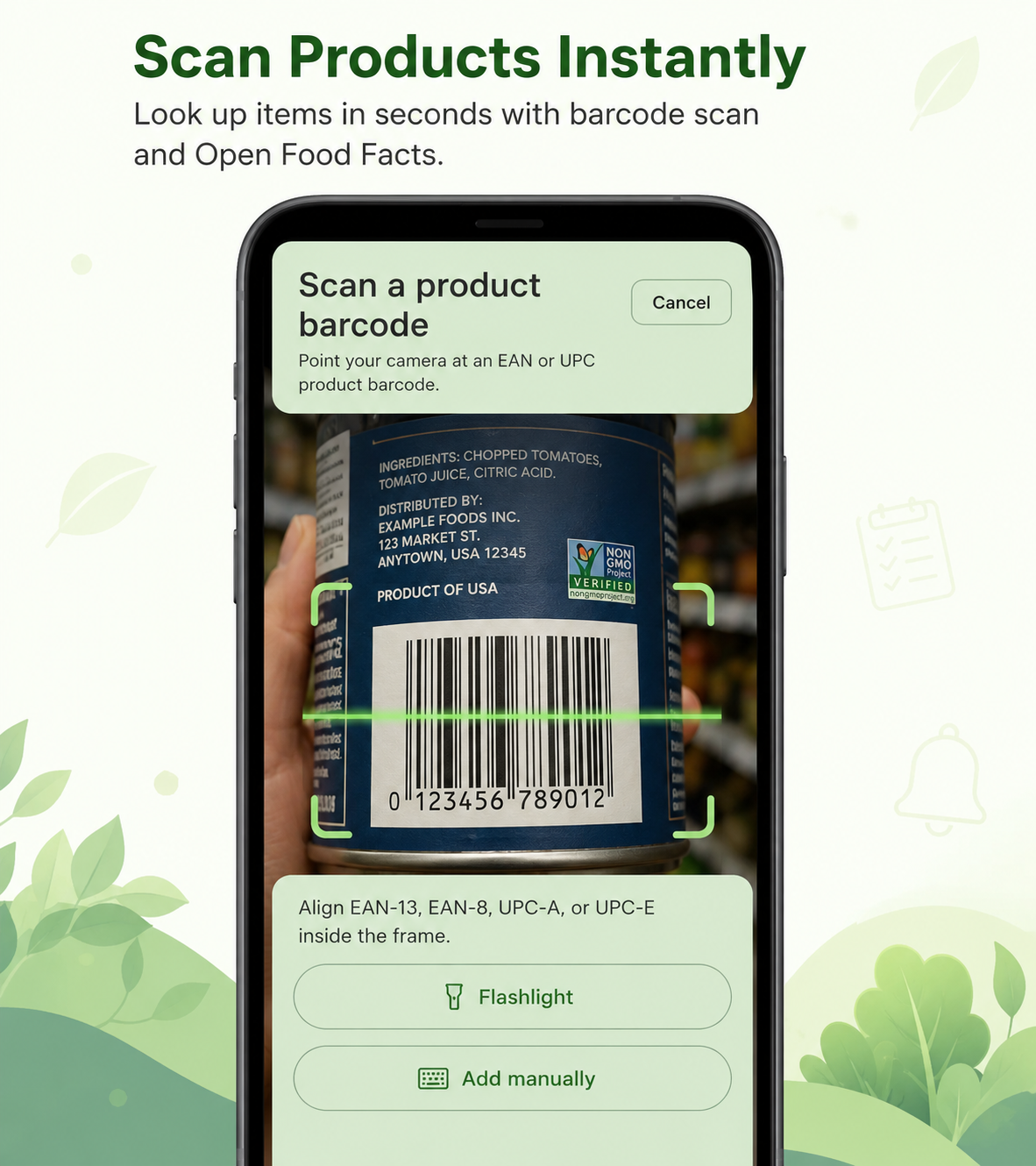
Enter products manually, by barcode or after shopping.
Set dates, quantities and storage locations.
Prioritise food that needs attention.
Mark what was consumed, expired or discarded.
Review patterns and adjust your habits.
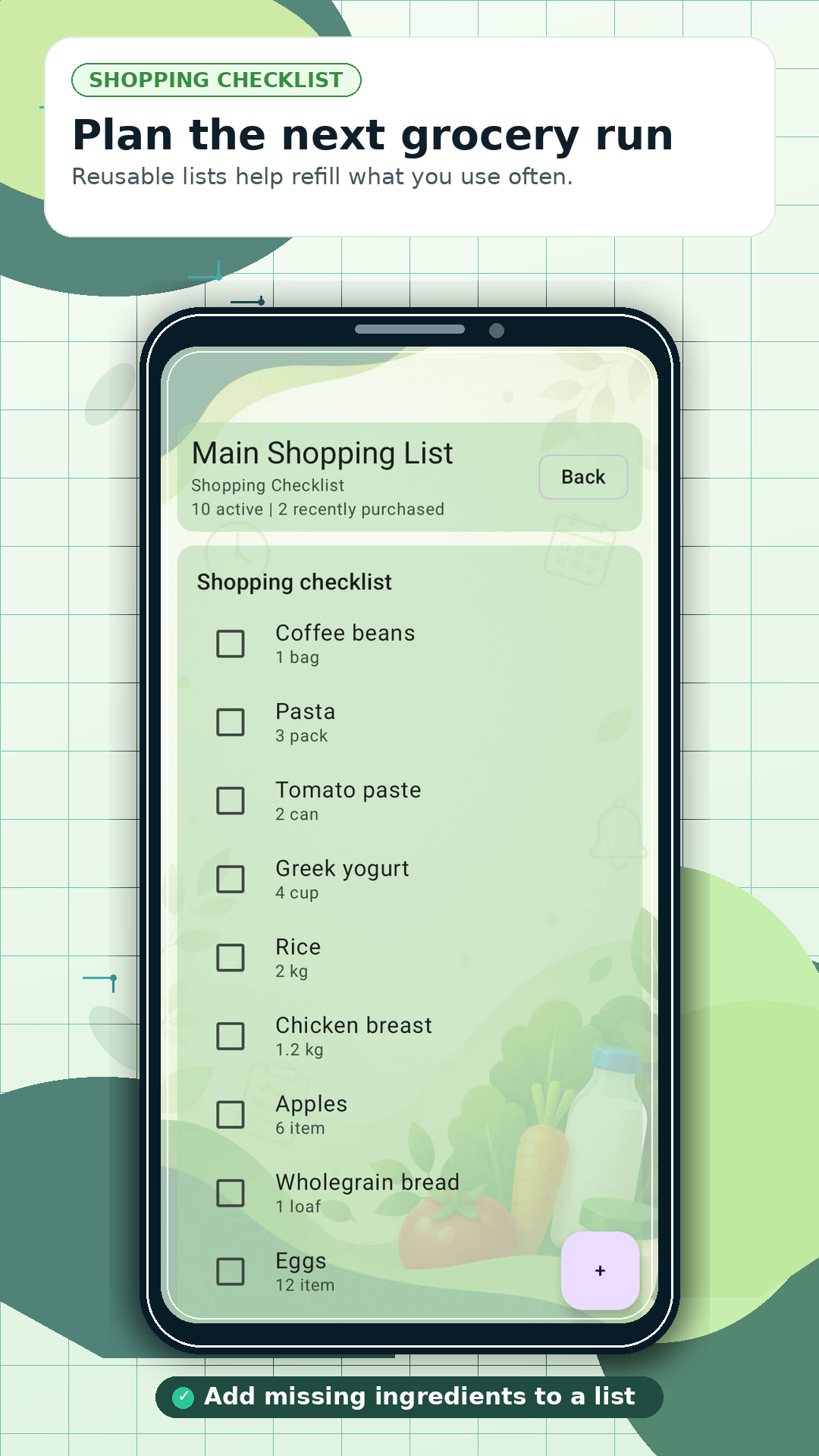
Shopping list → Food Tracker
Move from a completed shop to organised tracking without starting over.
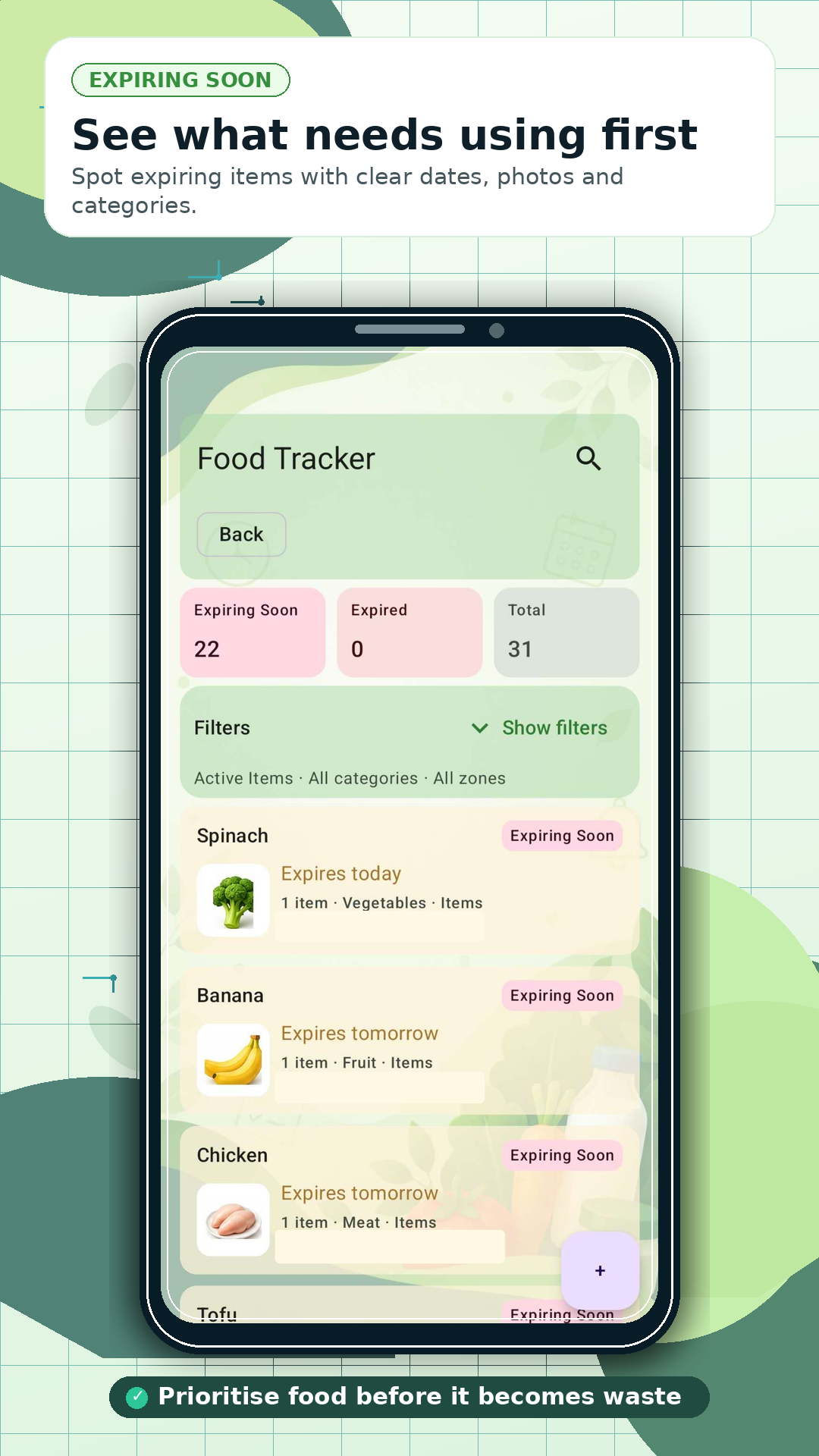
Food Tracker
Quickly identify fresh products, food to use soon and expired items without checking every storage location.
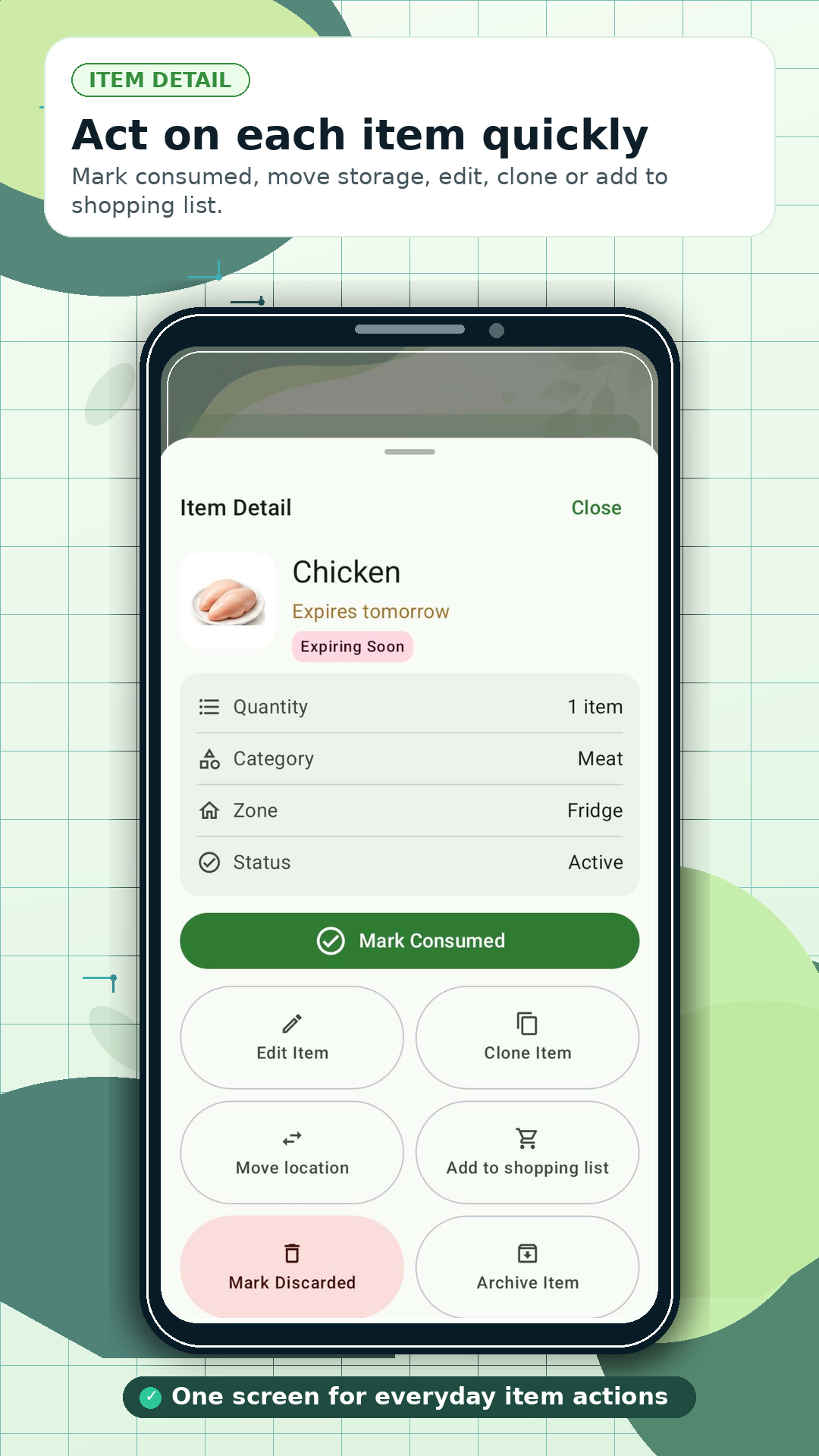
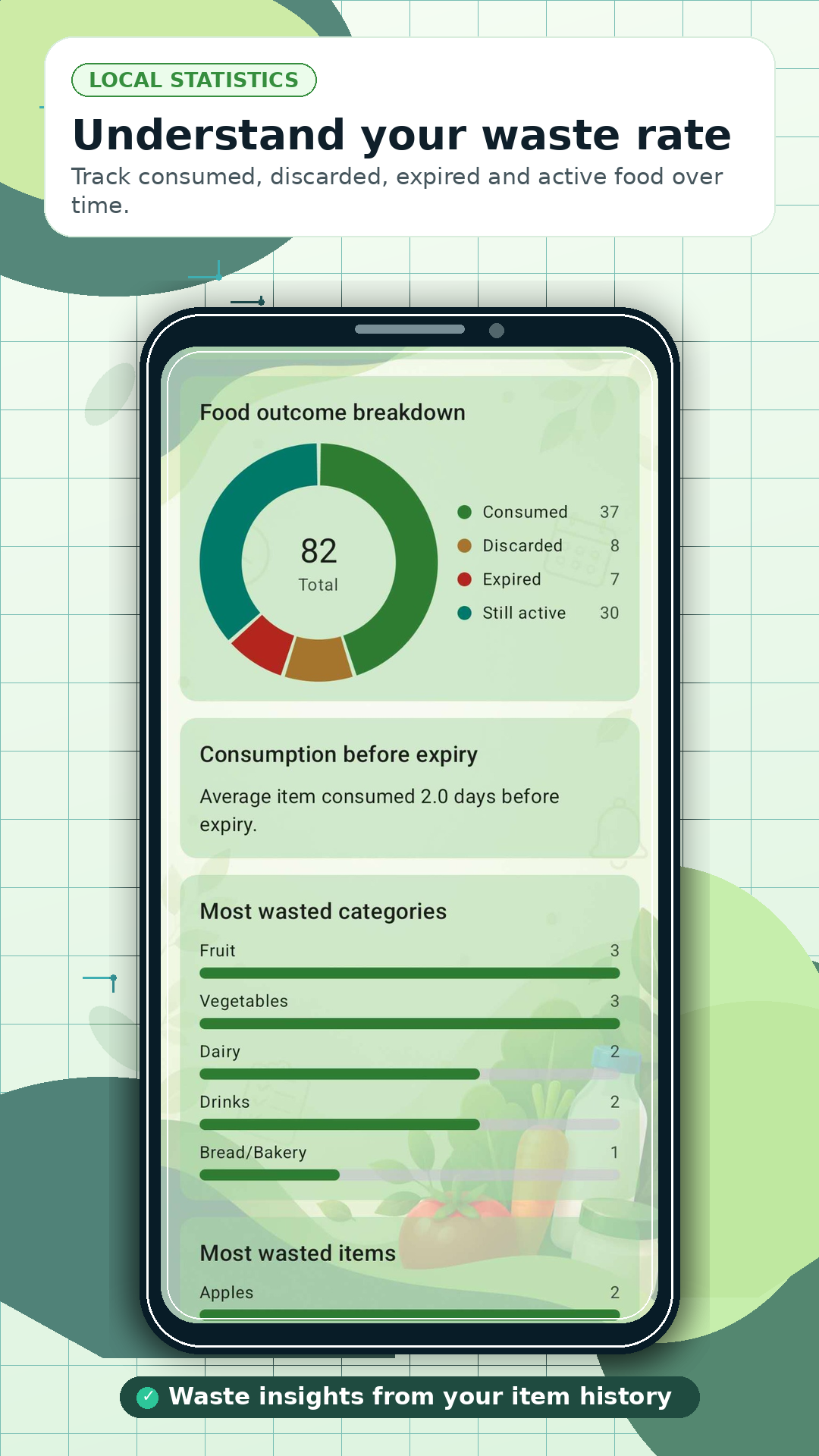
A clearer view of waste
Record whether products were consumed, expired or discarded, then use those outcomes to spot recurring household patterns.
Start using ExpiryMate and try the available Pro features free for 30 days with the launch code.
EXPIRYMATELAUNCHUseful every day
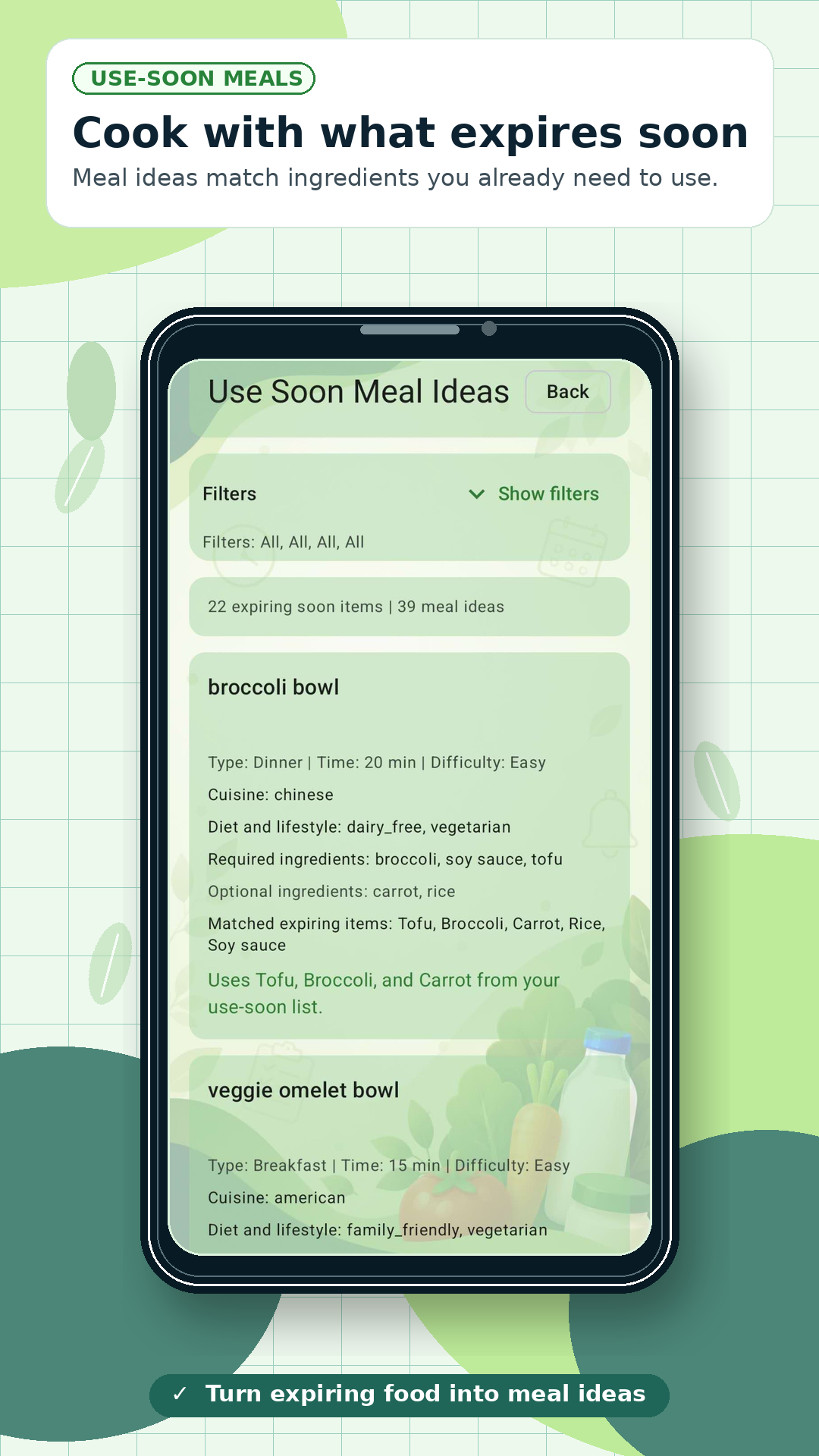
ExpiryMate suggests meals using ingredients already tracked in your Food Tracker, with extra focus on products that should be used soon. Review suitable meal ideas and add missing ingredients to a shopping list when needed.
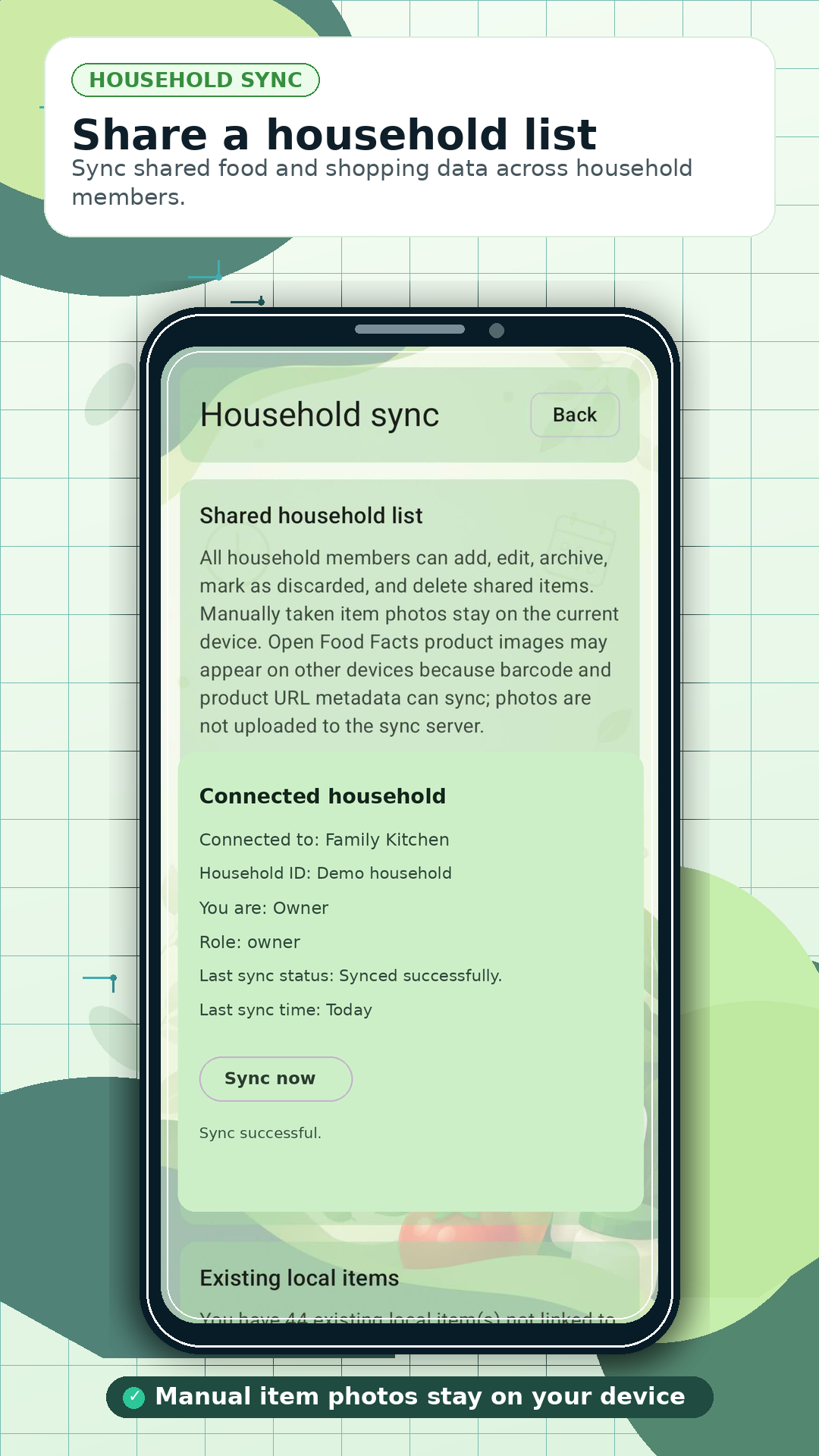
Optional household sharing keeps food and shopping information aligned across participating devices while core tracking remains usable offline.
Privacy and trust
We are developing a faster way to add purchased products by scanning a receipt. Detected products will be shown for review before you choose what should be added to Food Tracker.
Receipt scanning is not available in the current public release.
Choose your experience
Start tracking products, expiry dates and everyday household items with the core ExpiryMate experience.
Access the advanced capabilities available under the current ExpiryMate Pro plan.
Try Pro free for 30 days with codeEXPIRYMATELAUNCHGoogle Play shows current plan availability and local pricing before purchase.
Inside the app
Use the scroll bar, arrow keys while the gallery is focused, or swipe on a touch screen.
Frequently asked questions
Yes. Core tracking is offline-first. Barcode lookup and optional household data exchange need a connection.
No conventional email/password account is required. Optional household sharing uses household and device identifiers.
Yes, across participating devices when optional household sync is enabled.
Yes. Lookup uses Open Food Facts where information is available; details can also be entered manually.
Enter dates yourself or use typical suggestions where available. Suggestions are guidance—always check packaging, storage and signs of spoilage.
User-taken item photos stay on your device and are not stored on SensorLinQ Apps servers. See the privacy policy.
Entitlements and plan availability can change. Google Play shows the current details before purchase.
No. ExpiryMate is currently Android-only and available through Google Play.
No. Dates and reminders do not guarantee food safety. Check labels, packaging, storage conditions and signs of spoilage.
Launch code: EXPIRYMATELAUNCH